
Whether you'd like to update a bio, headshot, email, phone, or social links, here are the steps to follow:
- Login to the Curaytor platform.
- Go to content.curaytor.com. This will bring you to the backend of your site.
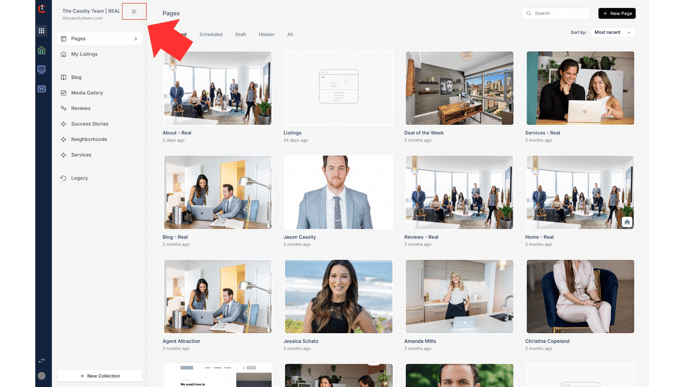
- Click the settings icon in the top left corner of your screen.
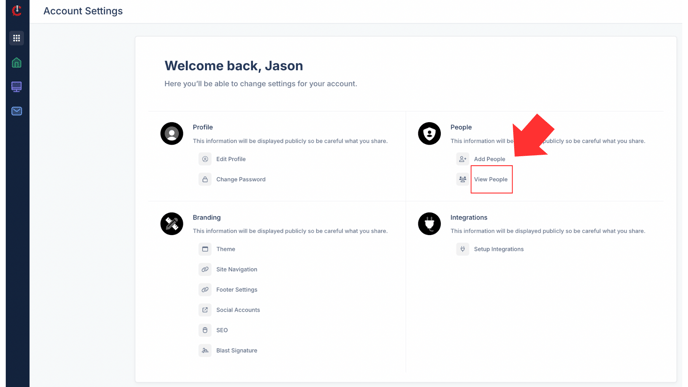
- Click "View People"
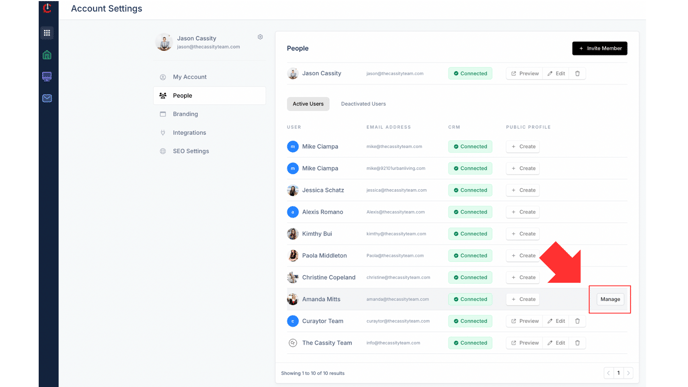
- Click "Manage" (this option appears on the right when you hover over the team member's name)
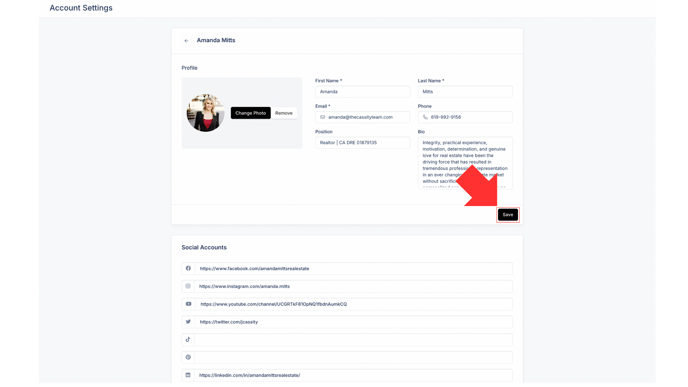
- Now you can update their name, headshot, bio, phone, email, position, or social links. Click "Save." Then click the back arrow.
Watch the video below for a full walkthrough 👇
https://www.loom.com/share/360bc233f7c544f4affd8ea3bbec69a4?sid=d867bc49-52ec-4d14-bb8a-5a93343ff136